Repositories
One project can span repositories.
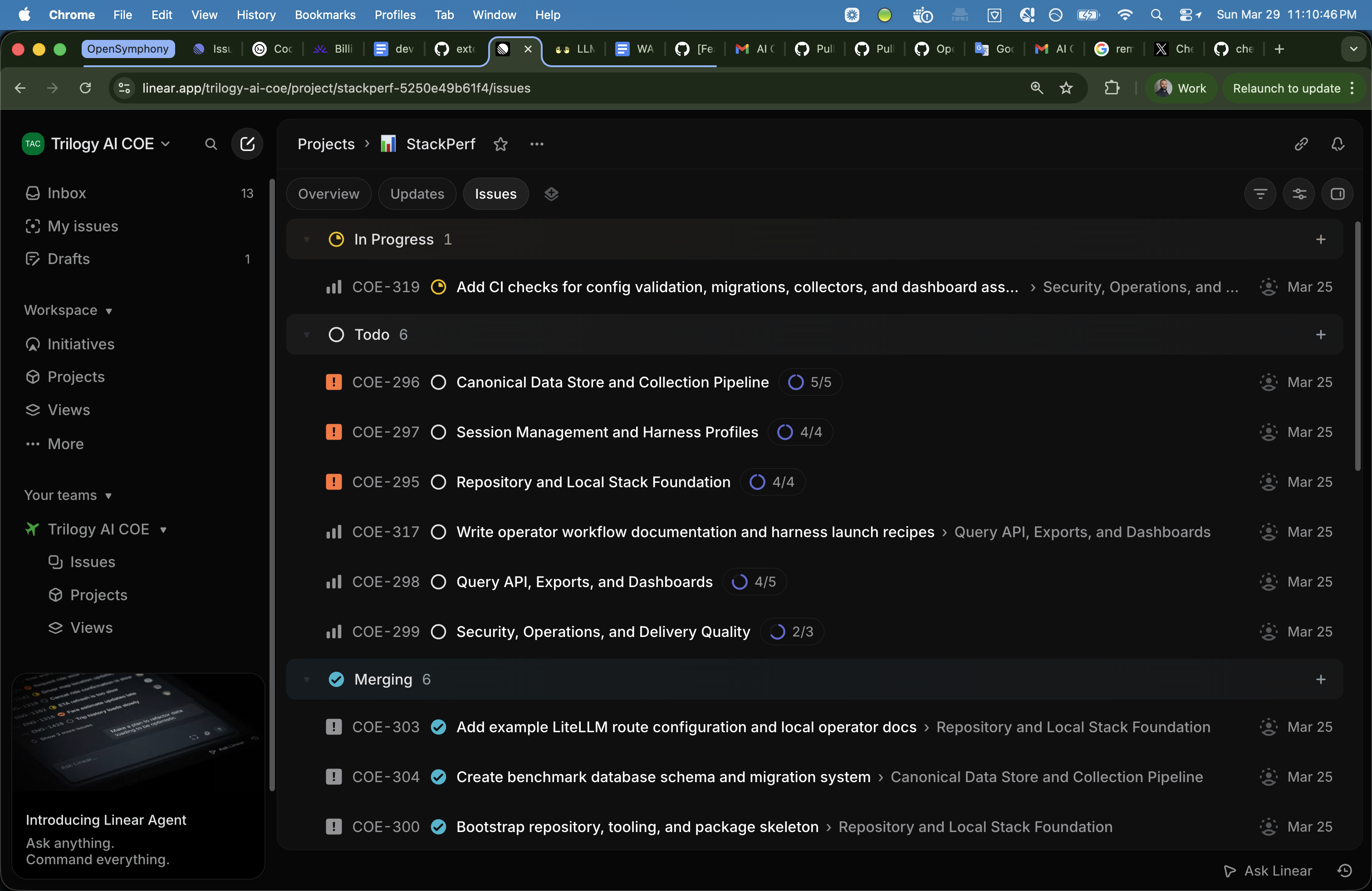
Repository-bound child issues run in verified checkouts. Their unlabeled parent waits for merges, then checks the combined result in an integration workspace.
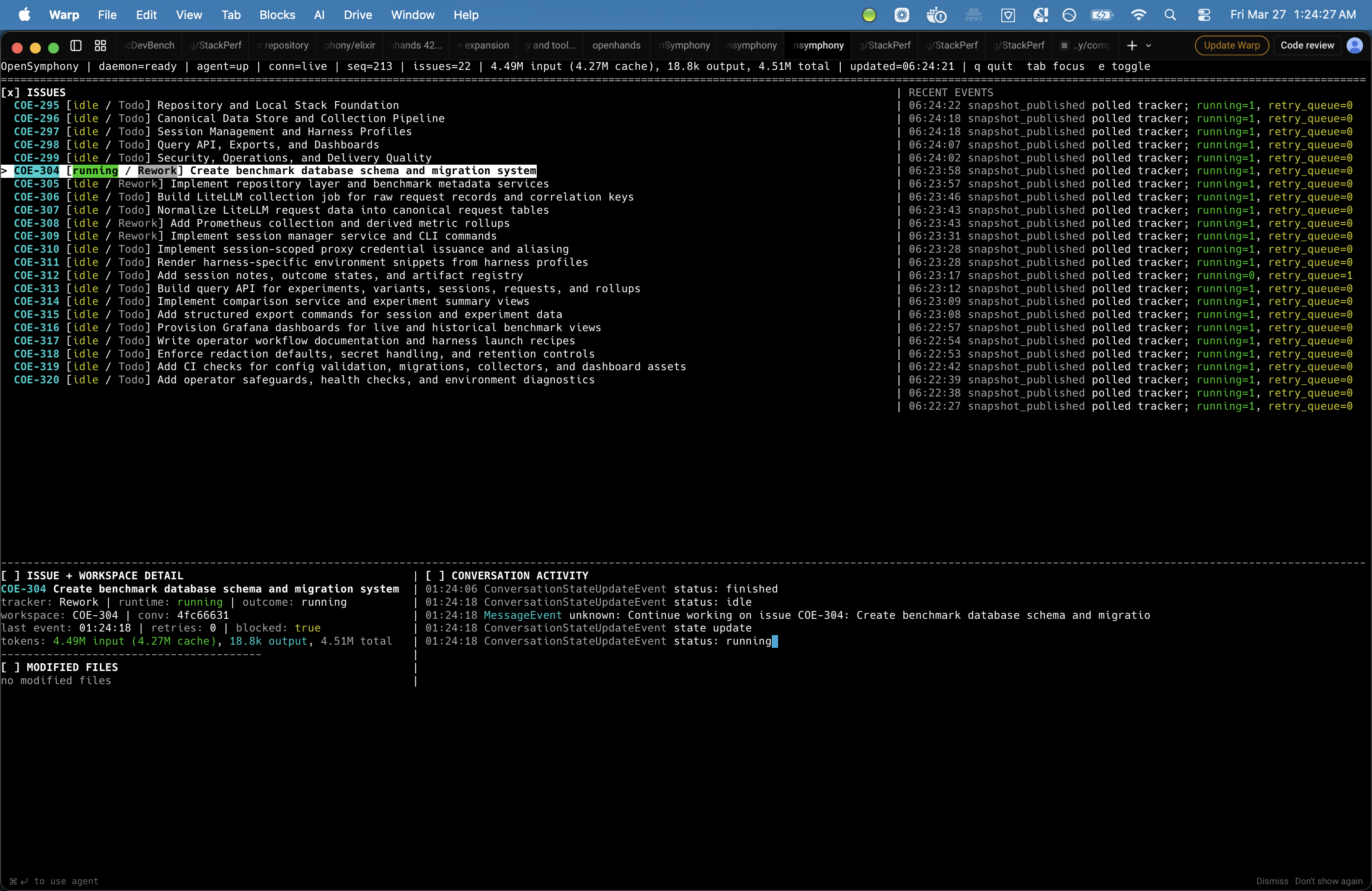
OpenSymphony coordinates multi-repository projects, dependency-aware task graphs, isolated workspaces, and OpenHands, Codex, or ACP execution in one local-first control plane. The desktop app and TUI expose repository routing, live runs, and the knowledge they produce.
Repositories
Repository-bound child issues run in verified checkouts. Their unlabeled parent waits for merges, then checks the combined result in an integration workspace.
Harness
OpenHands remains the default. Local Codex app-server and named ACP v1 profiles give each issue an explicit execution route, with session recovery and operator permissions where supported.
Knowledge
Memory capture and the knowledge graph preserve issue capsules, relationships, source references, and navigable context.
Desktop
The desktop app connects task graph, run detail, changed files, and graph views so long-running work stays inspectable.
Why it matters
OpenSymphony keeps coordination authoritative while each surface shows the evidence needed to decide what happens next.
01
Repository bindings, parent blockers, dependencies, and critical paths keep multi-repository work explicit before a workspace is created.
02
Verified checkouts, OpenHands, Codex, and ACP sessions, run detail, retries, and recovery keep execution inspectable.
03
Memory capture and AST-backed code intelligence connect completed work to the files, symbols, diagnostics, and decisions it informs.
Operator surfaces
The desktop app brings task state and project memory into views that can be inspected, filtered, and followed back to their source context.
Task Graph
Completed, Current, and Backlog panes show blockers, cross-pane relationships, and the critical path through active work.
Knowledge Graph
The Knowledge Graph groups project memory into navigable areas, concepts, capsules, relationships, and source references.
Workflow
OpenSymphony routes each child issue to a verified repository checkout, runs the selected harness, and gives the parent a separate workspace for checking the merged result.
01
The orchestrator reads Linear hierarchy, dependencies, and explicit `repo:<alias>` labels before selecting dispatchable work.
02
Each child runs in an isolated checkout of its bound repository with durable configuration, repository, and workspace identity.
03
OpenHands is the default route, with local Codex app-server and named ACP v1 profiles available for explicit selection.
04
After child merges, the parent checks the combined result in a separate integration workspace while operator surfaces expose blockers, evidence, and recovery state.
Quick start
You can follow the instructions without cloning the repository. When you want architecture docs, memory references, or deeper project material, use the Resources page.
Latest updates
September 26, 2026
OpenSymphony 3.0.0 routes one Linear project across multiple repositories and can run local ACP v1 agents through durable, operator-visible sessions.
July 28, 2026
OpenSymphony 2.11.0 adopts Rust 1.97.1 and Cargo Resolver 3, resolves the dependency mismatch that blocked some upgrades, and makes future CLI updates reproducible with a locked install.